

How to Choose a Laptop in 2026 - Guide for Non-Tech People
Practical guide on choosing a laptop. We explain specs in plain language - processor, RAM, disk, screen. No technical jargon.
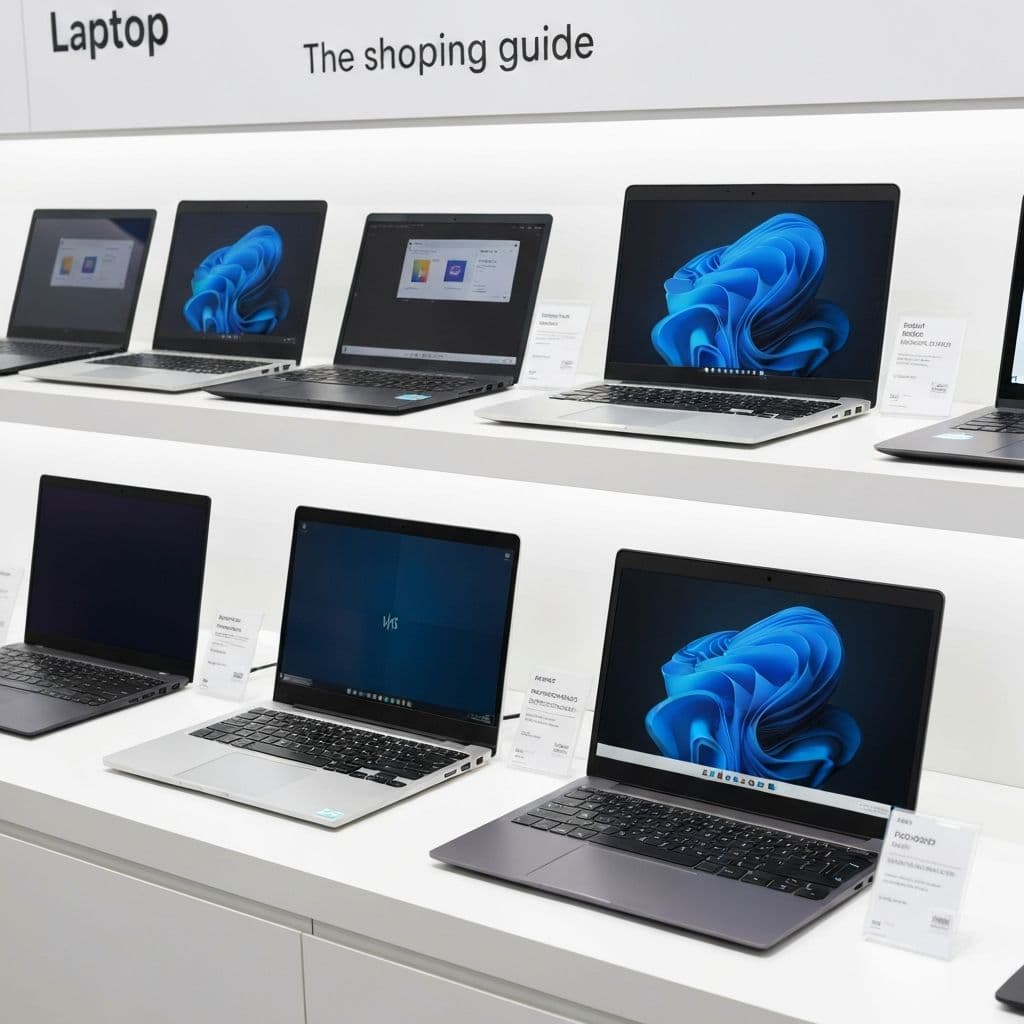
Buying a laptop is often a stressful experience. Hundreds of models, incomprehensible specs, salespeople speaking technical jargon. This guide will explain everything in plain language.
First: What Will You Use It For?
This is the most important question. A laptop for browsing the internet is completely different from a gaming laptop.
Basic Use (internet, documents, movies)
- Budget: $500-800
- Processor: Intel Core i3/i5 or AMD Ryzen 3/5
- RAM: 8 GB
- Disk: 256-512 GB SSD
Office Work and Study
- Budget: $800-1200
- Processor: Intel Core i5/i7 or AMD Ryzen 5/7
- RAM: 16 GB
- Disk: 512 GB SSD
Graphics, Video, Programming
- Budget: $1200-2000
- Processor: Intel Core i7 or AMD Ryzen 7
- RAM: 32 GB
- Disk: 1 TB SSD
- Graphics card: dedicated
Gaming
- Budget: $1200+
- Graphics card: NVIDIA RTX (this is where you spend most)
- Screen: 144Hz
- Good cooling
Processor - The Brain
Intel vs AMD
Both are good. AMD often offers better value for money.
What Do Names Mean?
- Intel Core i3 - basic, for simple tasks
- Intel Core i5 - universal, good choice
- Intel Core i7 - powerful, for demanding tasks
- Intel Core i9 - top tier, usually overkill
AMD has similar hierarchy: Ryzen 3 < Ryzen 5 < Ryzen 7 < Ryzen 9
Processor Generation
The number after the name (e.g., i5-1350U) indicates generation. Higher = newer = better.
RAM - Working Memory
RAM is the computer's "desk" - bigger means more things at once.
- 8 GB - minimum today, enough for basic tasks
- 16 GB - comfortable work, recommended
- 32 GB - graphics, video, many programs at once
Important: Check if RAM is upgradeable. Some laptops have it soldered.
Disk - SSD Is Essential
HDD vs SSD
- HDD - old type, slow, cheap, large capacity
- SSD - fast, quiet, shock resistant
Always choose SSD. The speed difference is massive.
How Much Space?
- 256 GB - absolute minimum (system takes ~50 GB)
- 512 GB - comfortable for most
- 1 TB - lots of files, games, movies
Screen - More Than Size
Size
- 13-14" - light, mobile, for travel
- 15.6" - universal, most popular
- 17" - large, heavy, mostly stationary
Resolution
- Full HD (1920x1080) - standard, sufficient
- 2K/QHD - sharper image
- 4K - very sharp, but drains battery
Panel Type
- IPS - good colors, wide viewing angles, recommended
- TN - cheaper, worse colors, narrow angles
- OLED - best colors and blacks, expensive
Battery - How Long Really
Manufacturers give optimistic data. In practice, subtract 20-30%.
- Up to 5h - only near outlet
- 6-8h - workday without charger
- 10h+ - true mobility
What Else to Consider
Ports
- USB-A - classic USB, still needed
- USB-C - modern, often for charging
- HDMI - connecting monitor/TV
- SD card reader - for photographers
Keyboard
- Backlight - useful in the evening
- Numeric keypad - important for accounting
Camera and Microphone
- 720p - poor quality (many laptops)
- 1080p - good for video calls
- Camera cover - privacy
Where to Buy?
- Physical retail stores - you can touch and test, but often more expensive
- Online stores - competitive prices, wide selection, good service
- Official manufacturer stores - sometimes exclusive promotions and configurations
Avoid: deals "too good" on classified ad sites - might be stolen or damaged.
Summary - Quick Checklist
- Set budget and use case
- Processor: minimum i5/Ryzen 5 for comfort
- RAM: 16 GB (8 GB is absolute minimum)
- Disk: SSD, minimum 512 GB
- Screen: IPS, Full HD
- Check ports and keyboard
- Read reviews of specific model
Don't know what to choose? Contact us - we'll help pick a laptop for your needs.
Related articles
IT Audit for Your Company - Why It's the Best Investment of the Year
Your company works - until something breaks. Learn what an IT audit is, how to spot hidden technical debt, and how much a lack of control over your infrastructure really costs.
Read moreWhat to Do After Detecting a Virus or Trojan? Complete Guide 2026
Practical guide for responding to malware infection. Learn how to secure accounts, change passwords, enable MFA, and protect yourself from identity theft. Step by step.
Read moreHow to Prepare Your Company for a GDPR Audit?
Practical checklist for GDPR audit preparation. Learn what documents you need, what mistakes to avoid, and how to ensure compliance.
Read more