What Is NAS and Why Does Your Company Need It?
Complete guide to NAS (Network Attached Storage) for businesses. Learn what NAS is, how it works, and why it's better than cloud or external drives.
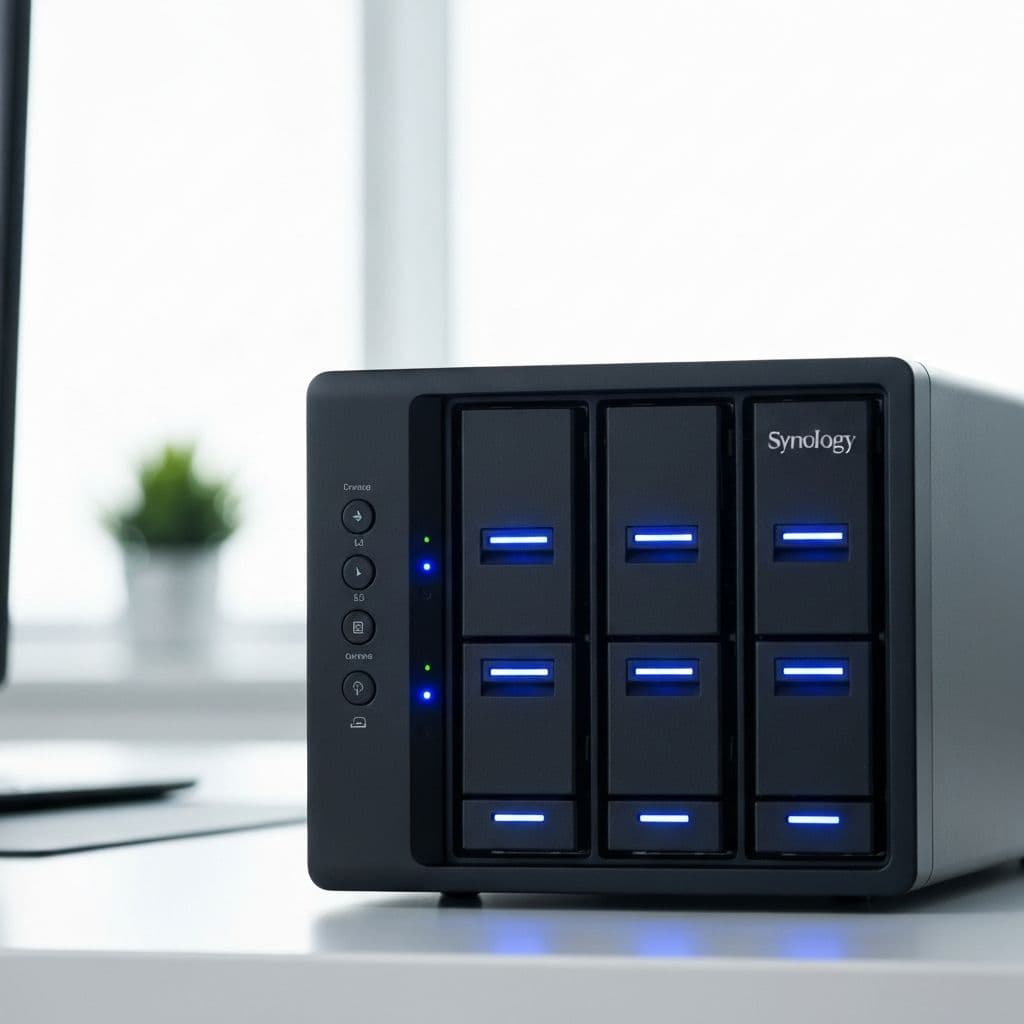
NAS (Network Attached Storage) is one of the best investments a small or medium business can make for their data. In this article, you'll learn what it is, how it works, and why you might need one.
What Is NAS?
NAS is a dedicated device for storing and sharing data over the network. Think of it as a "private cloud" - your own server accessible from anywhere, but fully under your control.
How Does NAS Work?
- Physical drives - multiple HDDs or SSDs in one enclosure
- Operating system - specialized software for data management
- Network connection - availability for all network devices
- User management - permissions, access, quotas
NAS vs Alternatives
| Feature | NAS | Cloud | External Drive |
|---|---|---|---|
| One-time cost | Yes | No (subscription) | Yes |
| Recurring fees | Minimal | Monthly | None |
| Speed | Very fast | Internet dependent | Fast |
| Capacity | Unlimited | Limited by plan | Limited |
| Data control | Full | Limited | Full |
| Remote access | Yes | Yes | No |
| Automatic backup | Yes | Yes | Manual |
| Scalability | Easy | Easy | Difficult |
Business Applications for NAS
1. Central Data Repository
All company files in one place, accessible to everyone with permissions. No more "emailing files" or "latest version" confusion.
2. Automatic Backups
NAS can automatically back up:
- Workstations
- Servers
- Office 365/Google Workspace accounts
- Databases
3. CCTV Video Storage
Professional surveillance recorders can save video directly to NAS - more capacity and flexibility than built-in drive.
4. Private Cloud
Access to files from anywhere in the world - via browser or mobile app. No Google Drive or Dropbox subscriptions.
5. Multimedia Server
NAS can act as a media server - streaming music, videos, photos across the company.
Choosing the Right NAS
Number of Bays
| Company Size | Bays | Recommended Capacity |
|---|---|---|
| 1-5 employees | 2 bays | 4-8 TB |
| 5-15 employees | 4 bays | 8-24 TB |
| 15-30 employees | 6 bays | 24-48 TB |
| 30+ employees | 8+ bays | 48+ TB |
RAID - Data Protection
- RAID 1 - mirroring, one drive can fail
- RAID 5 - minimum 3 drives, one can fail
- RAID 6 - minimum 4 drives, two can fail
- RAID 10 - speed + redundancy, minimum 4 drives
Important: RAID is not a backup! It protects against drive failure, not accidental deletion, ransomware, or fire.
NAS Security
Access
- Individual user accounts
- Access groups (accounting, management, projects)
- Two-factor authentication (2FA)
Protection
- Data encryption
- Automatic security updates
- VPN for remote access
- Antivirus scanning
Backup
- 3-2-1 rule: 3 copies, 2 media types, 1 offsite
- Backup to external drive
- Backup to cloud (encrypted)
- Snapshot system (versioning)
Popular NAS Manufacturers
- Synology - best software, user-friendly
- QNAP - more hardware options
- Asustor - good value
- TrueNAS - for advanced users (free)
How Can We Help?
nex-IT offers complete NAS solutions:
- Needs assessment and device selection
- Installation and configuration
- Backup setup
- User and permissions configuration
- 24/7 monitoring
Contact us - we'll help you choose and implement NAS for your company!
Related articles
Ansible and Terraform - IT Infrastructure Automation for Business
What are Terraform and Ansible, and why do they form the foundation of modern IT automation together? We explain the difference between provisioning and configuration, show how these tools complement each other, and what benefits Infrastructure as Code brings to businesses.
Read moreDocker and Kubernetes - Containers for Business in Practice
What are containers and why did they change the way we deploy applications? Get to know Docker and Kubernetes - the two pillars of modern IT infrastructure. We explain the differences, business benefits and when it pays off to adopt them.
Read moreGitea vs GitLab - Self-Hosted Git Repositories for Business
What is Git and why does every software company need its own repository? We compare Gitea and GitLab - two leading self-hosted platforms. We explain the differences, benefits, and help you choose the right one.
Read more