

How to Configure a Secure Business Network?
Practical guide to business network security. Segmentation, VLANs, Next-Gen Firewall - learn how to protect your company from cyber threats.
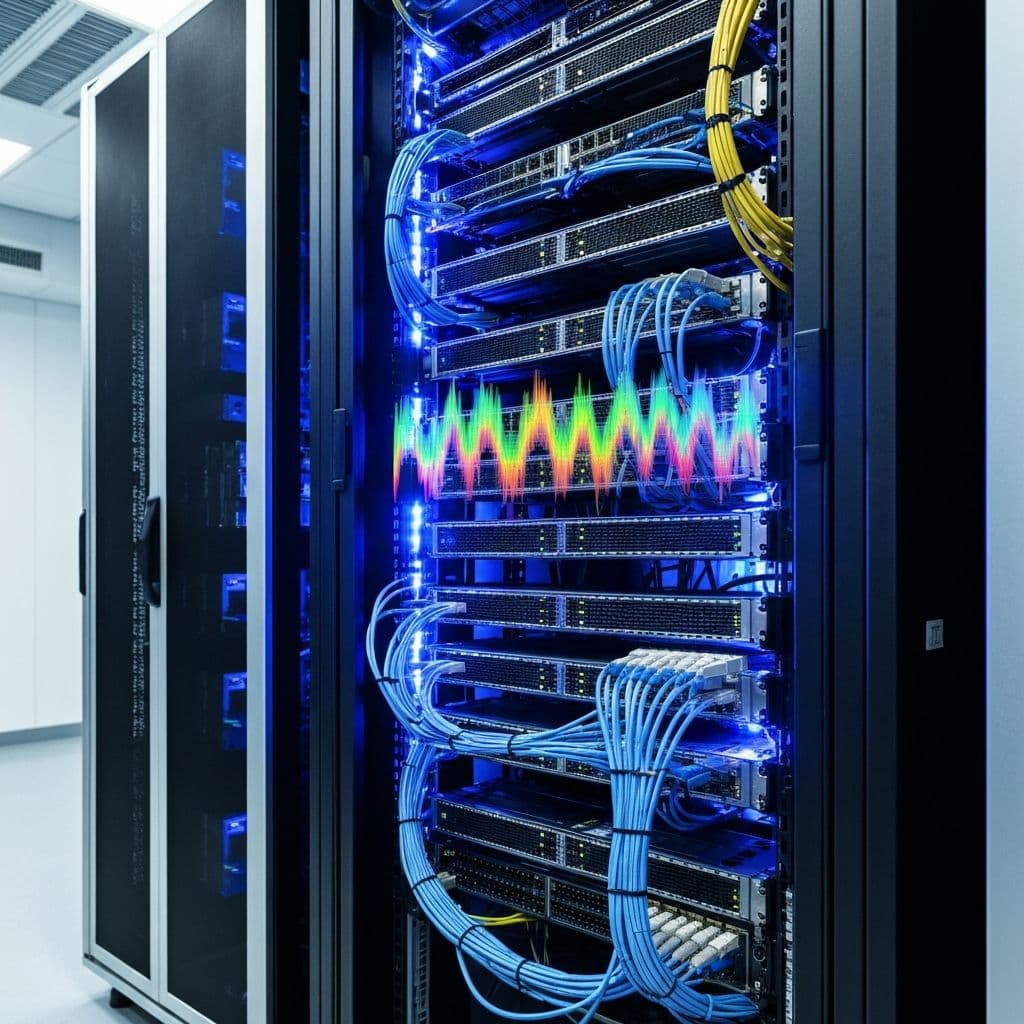
Network security is the foundation of every company's IT protection. In this guide, you'll learn how to configure a secure business network using proven practices.
Why Is Network Segmentation Important?
Without segmentation, an attacker gaining access to one computer has access to the entire network. Segmentation limits the range of a potential attack.
Example: An accountant's computer is infected with ransomware. With proper segmentation, the attack is limited to the accounting segment - servers, cameras, and other departments remain safe.
Basic Network Architecture
1. Network Segmentation with VLANs
VLAN (Virtual LAN) allows dividing a physical network into isolated logical segments:
| VLAN | Purpose | Example Devices |
|---|---|---|
| VLAN 10 | Management | Servers, IT equipment |
| VLAN 20 | Employees | Workstations |
| VLAN 30 | Guests | Guest WiFi |
| VLAN 40 | IoT/CCTV | Cameras, printers, sensors |
| VLAN 50 | VoIP | IP phones |
2. Next-Generation Firewall (NGFW)
A traditional firewall is no longer sufficient. NGFW offers:
- IPS/IDS - attack detection and prevention
- Application Control - blocking unwanted apps
- Web Filtering - protection against malicious sites
- SSL Inspection - analyzing encrypted traffic
- Sandboxing - analyzing suspicious files
3. Security Rules Between Segments
The principle of least privilege - allow only what is necessary:
- Employees → Internet: allowed (with filtering)
- Employees → Servers: only necessary services
- Guests → Internet: allowed
- Guests → Internal network: blocked
- IoT → Internet: only required updates
- IoT → Servers: blocked
Network Security Checklist
Hardware
- Managed switches supporting VLANs
- Next-Gen Firewall with IPS/IDS
- Access Points with WPA3 and guest network support
- UPS for critical devices
Configuration
- Network segmented into VLANs
- Inter-VLAN rules defined
- Default passwords changed
- Firmware updated to latest version
- Logging and monitoring enabled
WiFi
- Separate network for employees (WPA3-Enterprise)
- Separate network for guests (isolated)
- IoT on dedicated VLAN
- Strong passwords/802.1X
Most Common Mistakes
- Flat network - everything in one segment
- Default passwords - admin/admin on devices
- No updates - old firmware with vulnerabilities
- Open WiFi - or WPA2 with simple password
- No monitoring - no one knows what's happening on the network
Additional Protection
Network Access Control (NAC)
NAC allows you to control which devices can connect to the network. An unknown device is automatically placed in quarantine.
DNS Filtering
Blocking malicious domains at the DNS level - protection before the user visits a dangerous site.
VPN for Remote Work
Employees working remotely should use VPN for secure access to company resources.
How Can We Help?
nex-IT specializes in designing and implementing secure networks:
- Network architecture design
- Firewall and switch configuration
- Security audit
- 24/7 monitoring
Contact us - we'll help you secure your network!
Related articles
IT Audit for Your Company - Why It's the Best Investment of the Year
Your company works - until something breaks. Learn what an IT audit is, how to spot hidden technical debt, and how much a lack of control over your infrastructure really costs.
Read moreWhat to Do After Detecting a Virus or Trojan? Complete Guide 2026
Practical guide for responding to malware infection. Learn how to secure accounts, change passwords, enable MFA, and protect yourself from identity theft. Step by step.
Read moreHow to Prepare Your Company for a GDPR Audit?
Practical checklist for GDPR audit preparation. Learn what documents you need, what mistakes to avoid, and how to ensure compliance.
Read more