

Phishing - How to Recognize Fake Emails and SMS
Learn to recognize phishing - fake messages impersonating banks, courier companies, or government agencies. Practical examples and tips.
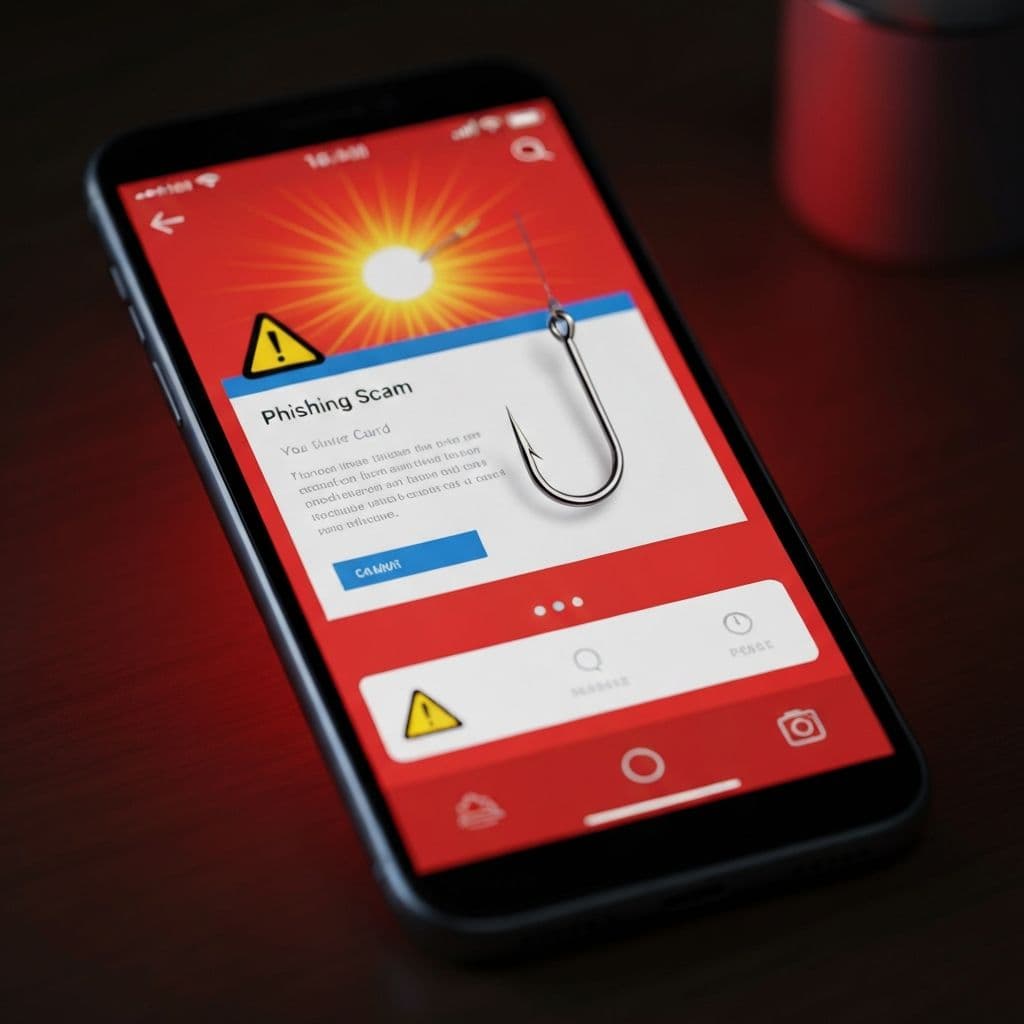
Phishing is the most common type of cyberattack. Criminals impersonate known companies - banks, couriers, government offices - to steal login data, card numbers, or infect computers. Every year, people lose millions to these scams.
How Does Phishing Work?
- You receive a message (email, SMS) that looks official
- The message triggers emotions: fear, urgency, curiosity
- You click a link leading to a fake website
- You provide data that goes to criminals
Most Common Scenarios
"Package Surcharge"
"Your shipment is waiting. Pay $1.50 to receive it: [link]"
Truth: Courier companies don't send SMS requesting payment through suspicious links.
"Blocked Bank Account"
"We detected suspicious activity. Log in to unblock: [link]"
Truth: Banks never ask you to log in through email/SMS links.
"Tax Refund"
"You're entitled to a $200 refund. Click to claim: [link]"
Truth: Tax offices don't send such messages.
"Invoice to Pay"
"Attached is an invoice for payment. [attachment .zip]"
Truth: Unexpected invoices are often malware in disguise.
How to Recognize Phishing?
1. Check the Sender
- Hover over email address - is it an official domain?
yourbank.comvsyourbank-secure.xyz- spot the difference!- SMS from random number instead of company name
2. Look for Language Errors
- Typos, strange grammar, automatic translation
- "Dear Customer" instead of your name
- Mixing languages
3. Urgency and Threats
- "You have 24 hours or your account will be deleted"
- "Immediate action required"
- "If you don't pay, the case goes to court"
4. Suspicious Links
- Hover WITHOUT clicking - check where it leads
- Shortened links (bit.ly, tinyurl) are red flags
- HTTPS doesn't guarantee safety - scammers have it too
5. Request for Sensitive Data
- Bank NEVER asks for password via email/SMS
- Nobody needs your card CVV over the phone
- Social security numbers, passwords, SMS codes - don't share!
What to Do When You Receive a Suspicious Message?
- Don't click any links
- Don't open attachments
- Don't reply to the message
- Verify by calling official number (not the one in message!)
- Report phishing to relevant authorities or your bank
What If You Already Clicked?
You provided bank login credentials:
- Immediately call bank and block account
- Change banking passwords
- Check transaction history
You provided card details:
- Call bank - cancel the card
- Check transactions
- Consider filing a police report
You downloaded an attachment:
- Disconnect computer from internet
- Run antivirus scan
- Consider specialist help
How to Protect Yourself
- Verify through official channels - call the bank, log in through official website
- Use password manager - different password for each service
- Enable 2FA - additional login confirmation
- Update software - security patches are important
- Be suspicious - if something seems too urgent, check twice
Phone Phishing (Vishing)
Scammers call pretending to be:
- Bank employee
- Police officer
- Microsoft consultant
Remember:
- Bank NEVER asks you to install programs
- Police doesn't inform about investigations over phone
- Microsoft doesn't call about "virus on your computer"
Summary
Phishing relies on emotions and rush. Always:
- Stop and think
- Verify through official channels
- Don't provide data through message links
Have doubts about a received message? Contact us - we'll help assess if it's a scam.
Related articles
KSC and NIS2 in Poland in 2026 – Business Duties and Audits
Learn who is covered by Poland's amended KSC Act, the key deadlines, and how a statutory audit differs from a technical readiness assessment.
Read moreKeycloak vs Authentik - Open Source SSO for Business
Single sign-on (SSO) without per-user subscriptions? Keycloak and Authentik are two leading open-source identity management systems. Learn the differences, benefits and find out which solution nex-IT will deploy in your company.
Read moreCyber Resilience Act (CRA) - What Software Producers Need to Know
Practical guide to new EU cybersecurity requirements for digital products. Learn how to prepare your company for CRA compliance and avoid penalties.
Read more