

VPN - What Is It and Do You Need It?
Simple guide to VPN. How it works, when it's needed, and when it's a waste of money. For individuals and businesses.
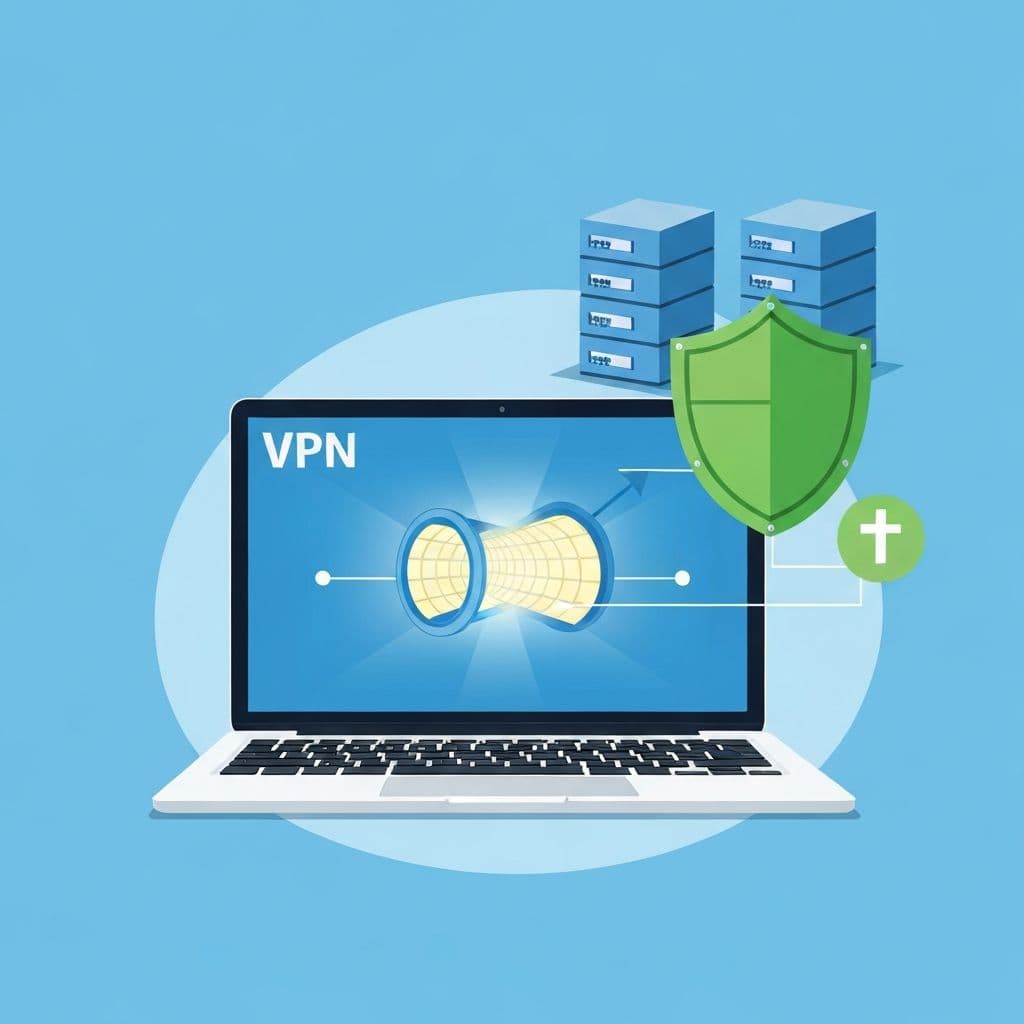
VPN ads are everywhere: "Protect your privacy!", "Watch US Netflix!". But do you really need a VPN? The answer: it depends.
What Is a VPN?
VPN (Virtual Private Network) is an encrypted tunnel between your device and a VPN server.
How It Works:
- Your internet traffic goes to the VPN server
- The VPN server encrypts it and sends it on
- Websites see the server's IP address, not yours
What It Gives You:
- Your ISP can't see what you're doing
- Public networks (cafes, hotels) can't eavesdrop
- Websites see the VPN server's location, not yours
When VPN Is Useful
1. Public WiFi
In cafes, hotels, airports - anyone can eavesdrop on unencrypted traffic. VPN solves this.
2. Remote Work
Secure connection to company network from home or while traveling.
3. Bypassing Censorship
In countries with internet censorship, VPN provides access to blocked sites.
4. Privacy from ISP
Your provider sees every website you visit. VPN hides this.
5. Online Shopping
Some stores show different prices depending on location.
When VPN WON'T Help
Myth: "Complete Anonymity"
VPN hides IP, but:
- Logging into accounts? They know it's you
- Cookies still track you
- VPN provider sees your traffic
Myth: "Protection from Viruses"
VPN doesn't protect against:
- Phishing
- Malware
- Malicious attachments
Myth: "Everything Becomes Legal"
VPN doesn't change the law. Illegal activities remain illegal.
VPN for Individuals
Do You Need It?
Probably YES if:
- You often use public WiFi
- You care about privacy from your ISP
- You travel to countries with censorship
Probably NO if:
- You only use your home network
- You don't do anything requiring privacy
- Most sites use HTTPS anyway
What to Look For
- No-logs policy - provider doesn't store history
- Company location - countries without data sharing requirements
- Speed - VPN always slows down a bit
- Price - free VPNs often profit from your data
VPN for Businesses
Here VPN Makes Sense Almost Always
- Remote employees connect securely
- Branch offices communicate encrypted
- Access to internal systems from outside
Two Approaches
Commercial VPN (for small businesses):
- Quick deployment
- Monthly fee
- No administration
Own VPN Server (for larger businesses):
- Full control
- No recurring fees
- Requires administration
Popular Business Solutions
- WireGuard - modern, fast
- OpenVPN - proven, flexible
- IPSec/IKEv2 - built into systems
Free vs Paid VPN
Free VPN - Problems:
- Limited bandwidth
- Ads
- Selling user data
- Questionable security
Rule: If the product is free, you are the product.
Paid VPN - What to Watch For:
- Exaggerated promises ("military encryption!")
- No security audits
- Unclear privacy policy
How to Set Up VPN
On Computer/Phone (Personal):
- Purchase subscription from trusted provider
- Download the app
- Log in and connect
In Business:
- Choose solution (commercial or self-hosted)
- Configure VPN server
- Distribute access credentials to employees
- Establish security policy
Alternatives to VPN
Tor Browser
- More anonymous than VPN
- But much slower
- For specific use cases
Proxy
- Simpler than VPN
- But less secure
- Only for browser
DNS over HTTPS
- Encrypts DNS queries
- Doesn't replace VPN, but complements it
- Built into modern browsers
Summary
VPN is a tool, not a magic shield.
Useful when:
- You use public networks
- You work remotely
- You care about privacy
Unnecessary when:
- You expect "complete anonymity"
- You think it will replace antivirus
- You only use home network with HTTPS
For businesses - VPN for remote employees is a security standard.
Need VPN for your business? Contact us - we'll help choose and implement the right solution.
Related articles
KSC and NIS2 in Poland in 2026 – Business Duties and Audits
Learn who is covered by Poland's amended KSC Act, the key deadlines, and how a statutory audit differs from a technical readiness assessment.
Read moreKeycloak vs Authentik - Open Source SSO for Business
Single sign-on (SSO) without per-user subscriptions? Keycloak and Authentik are two leading open-source identity management systems. Learn the differences, benefits and find out which solution nex-IT will deploy in your company.
Read moreCyber Resilience Act (CRA) - What Software Producers Need to Know
Practical guide to new EU cybersecurity requirements for digital products. Learn how to prepare your company for CRA compliance and avoid penalties.
Read more